How to Connect ChatGPT with Your Apps Using Composio for Enhanced Productivity
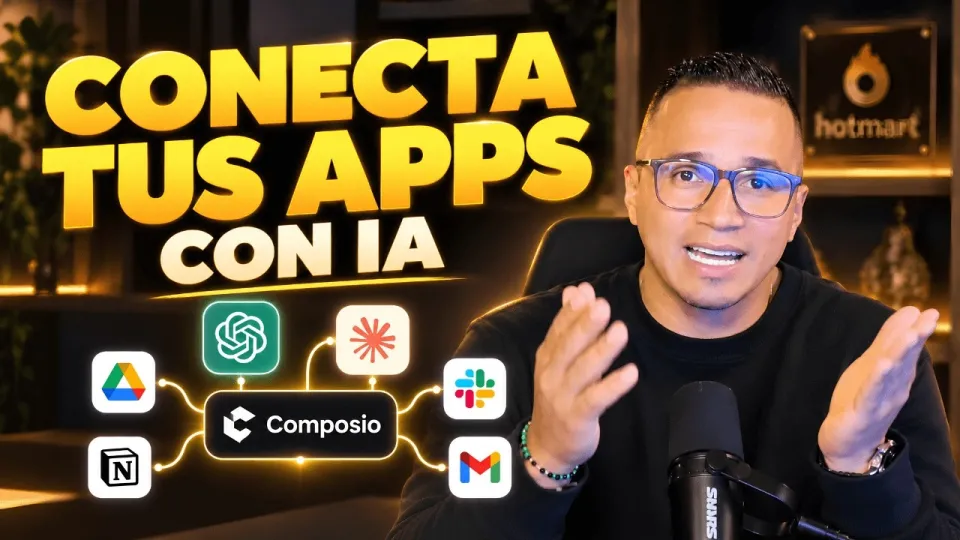
Video: Conecta ChatGPT, Claude y tus apps: así haces más con Composio
· based on the channel DataEdu
Connecting ChatGPT and other AI assistants with the applications you use daily can significantly boost your productivity and automate repetitive tasks. Composio is a powerful platform designed to integrate AI models like ChatGPT, Claude, and Manus with compatible apps, enabling you to do more with your data and workflows. For more resources on improving your data storytelling and dashboard skills, visit DataEdu's Storytelling Book.
What is Composio and How Does it Connect ChatGPT to Your Apps
Composio is an integration platform that uses both native and external connectors to link AI assistants such as ChatGPT and Claude with various applications. Native connectors are built-in integrations optimized for specific apps, while external connectors allow broader compatibility through APIs. This flexibility lets you connect ChatGPT to platforms like Google Drive, automating data access and processing without manual intervention.
Setting Up a Connection Between ChatGPT and Google Drive
To connect ChatGPT to Google Drive via Composio, follow these steps:
- Access Composio and choose Google Drive from the list of available connectors.
- Authorize your Google Drive account by granting the required permissions. These usually include read/write access to files and folders necessary for the AI to operate.
- Select the specific actions you want ChatGPT to perform, such as reading documents, creating files, or extracting data.
- Test the connection by running a sample action to ensure ChatGPT can interact with your Drive content securely.
The authorization process ensures data privacy and limits AI access to only what is necessary. This is crucial when dealing with sensitive or proprietary data.
Applying Composio Integration to Other AI Assistants and Apps
Besides ChatGPT, Composio supports integration with Claude, Manus, and other AI tools, depending on their available connectors. You can connect these assistants to a variety of apps beyond Google Drive, such as productivity suites, databases, or cloud storage. Each connection requires configuring permissions and selecting actions that fit your workflow needs.
This approach enables you to automate tasks like summarization, data extraction, content generation, or workflow orchestration across your favorite applications.
Addressing Security and Data Sensitivity Concerns
One common concern when connecting AI assistants to business apps is data sensitivity. Composio manages this by enforcing permission scopes during authorization, ensuring AI assistants access only authorized data segments. However, users should carefully review permissions granted and avoid exposing confidential information unnecessarily.
For environments with highly sensitive data, additional safeguards such as data encryption, access audits, and minimal scope principles should be implemented alongside Composio integrations.
Typical Questions About Using Composio with ChatGPT and Other AI Tools
Users often wonder about the types of actions available through Composio connectors, how to troubleshoot connection issues, and how to expand integrations to new apps. Composio's documentation and community forums provide guidance on these topics, and testing connections with non-critical data is recommended before deploying automation in production.
Useful Links
- DataEdu Storytelling Book – Learn to create clear, professional dashboards and data stories.
- Excel DataEdu – Master Excel and automate data analysis faster.
- Learn DAX and Advanced Data Analysis – Improve your Power BI skills.
- DataEdu Instagram – Connect and discuss Power BI and data topics.
- DataEdu LinkedIn – Professional networking and updates.
Conclusion
Connecting ChatGPT with your apps using Composio opens new possibilities for automating workflows and enhancing productivity through AI-driven actions. By understanding native and external connectors, managing permissions carefully, and exploring different AI tools like Claude and Manus, you can tailor integrations to your work environment. The DataEdu channel offers valuable insights and tutorials to help you master these technologies. For further learning, check out the DataEdu Storytelling Book to improve how you present your data and AI results.
Key takeaways
- Composio enables native and external connectors for AI integration.
- Supports connections with ChatGPT, Claude, Manus, and popular apps like Google Drive.
- Allows authorization and permission management for secure data access.
- Automates workflows by linking AI assistants with existing tools.
- Enhances productivity through AI-driven actions and app interoperability.
Source: Conecta ChatGPT, Claude y tus apps: así haces más con Composio · Markdown version
Questions & answers
Is it safe to connect Composio with apps that contain sensitive data?
Composio requires explicit permission authorization for each app connection, limiting AI access to only necessary data. However, users should carefully manage permissions and consider additional security measures when handling sensitive information.
What kinds of applications can I connect with ChatGPT using Composio?
Composio supports a variety of applications including cloud storage like Google Drive, productivity tools, and databases. The availability depends on the connectors that Composio offers and the APIs of the respective apps.
Can I use Composio to connect AI assistants other than ChatGPT?
Yes, Composio also supports integration with other AI assistants such as Claude and Manus, allowing you to automate tasks across multiple AI platforms depending on their connectors.
What should I do if the connection between Composio and an app does not work?
First, verify that the app permissions are correctly authorized in Composio. Check for any API limitations or changes from the app provider. Testing with sample data and consulting Composio's documentation can help troubleshoot common connectivity issues.